Before you forget,
we ask.
Upload lecture PDFs, slides or Word files. AI writes questions on the key ideas, and a notification asks you one right when your memory starts to fade.
We're testing before launch. News will appear on this page.
 Mirimi · now
Q. A transaction runs completely, or not at all.
Tap an answer
You upload.
Mirimi remembers when.
Upload your material
Pick a PDF, PowerPoint or Word file, or send one with Share from chat or mail. The original file never leaves your phone — only the extracted text is saved.
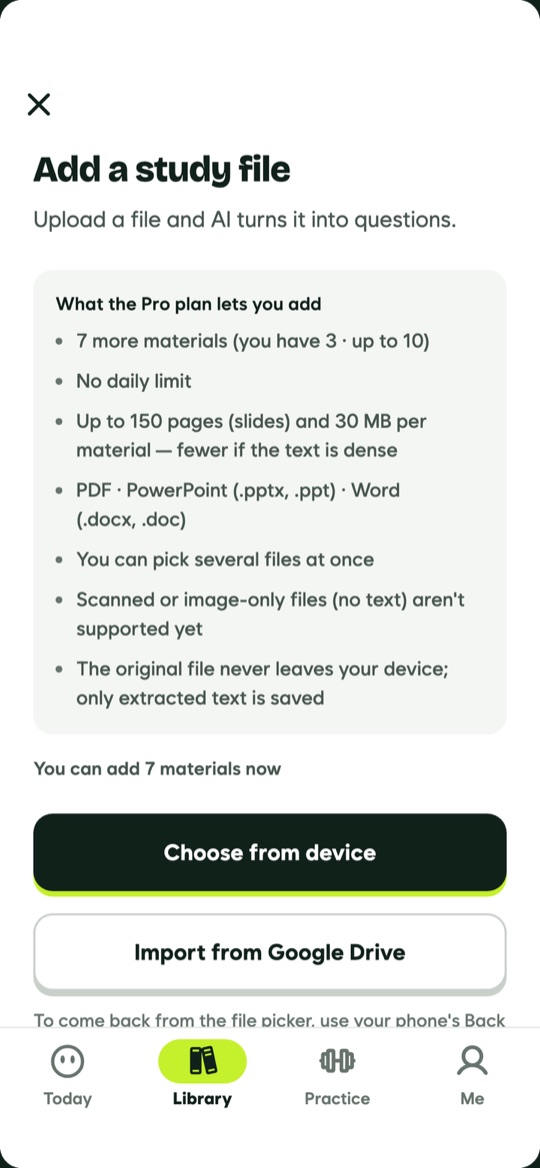
Get questions
AI writes questions on the key concepts of your material, not trivia like the numbers inside an example.
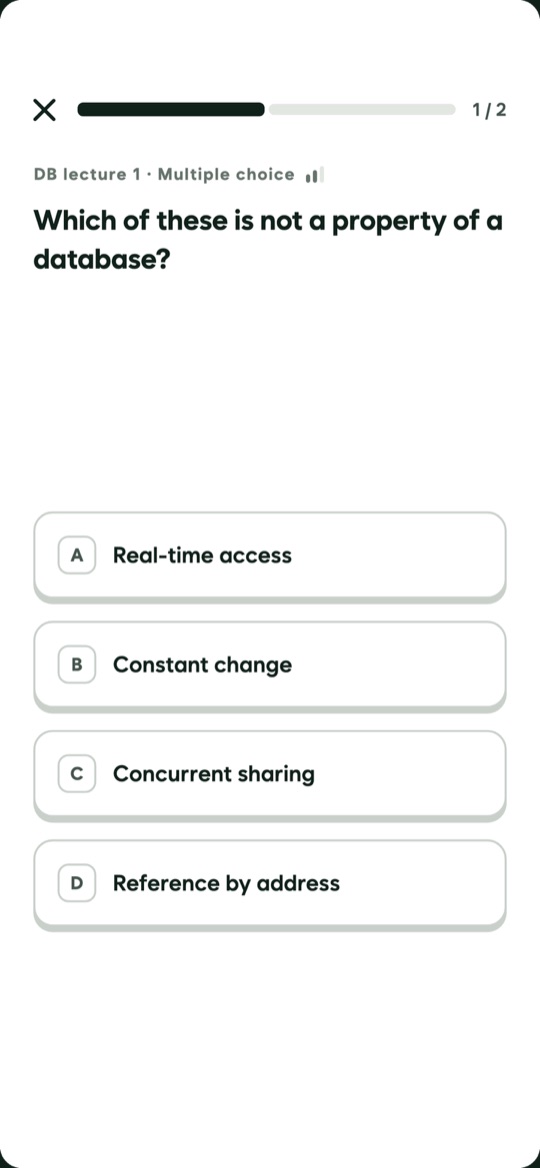
Review before you forget
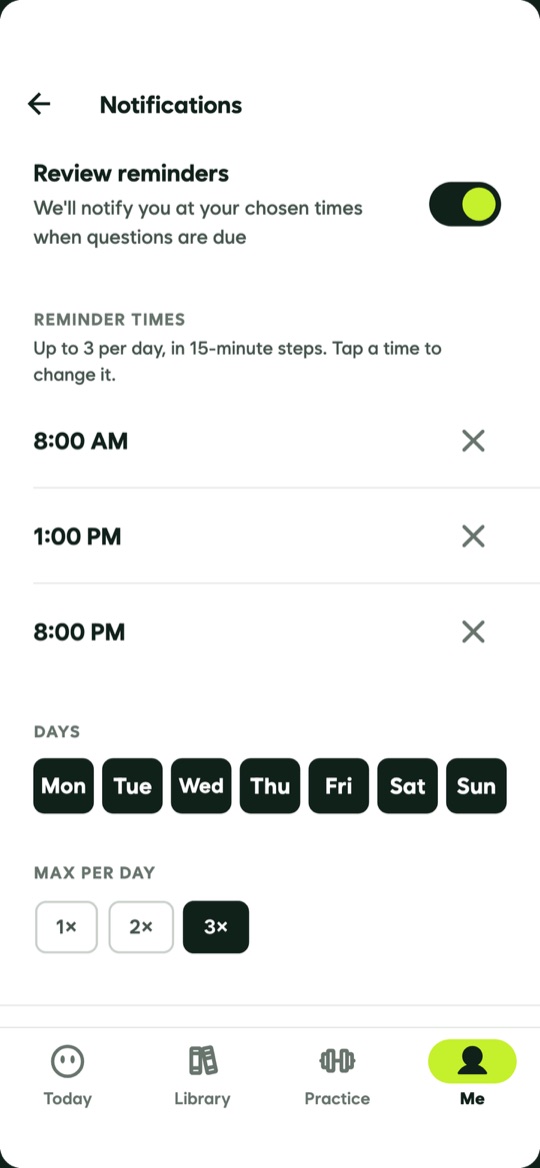
Missed questions come back soon; the ones you get right come back at growing intervals. You choose the times, days and quiet hours.
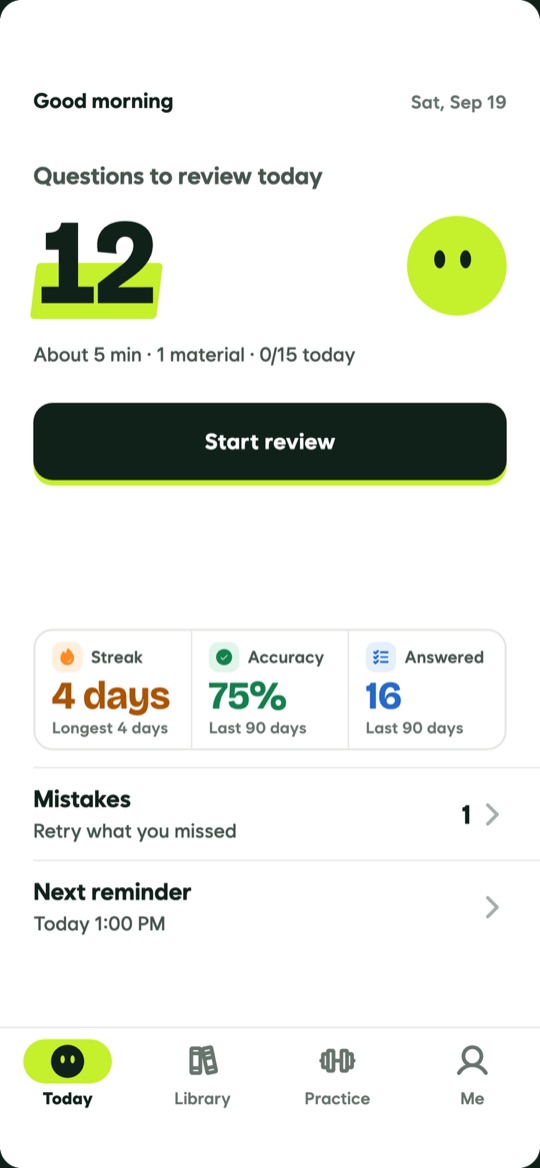
Only what's due today,
one button
Today's questions are gathered with an estimate of how long they take. Right answers make it harder and misses make it easier — format and difficulty adapt as you go.
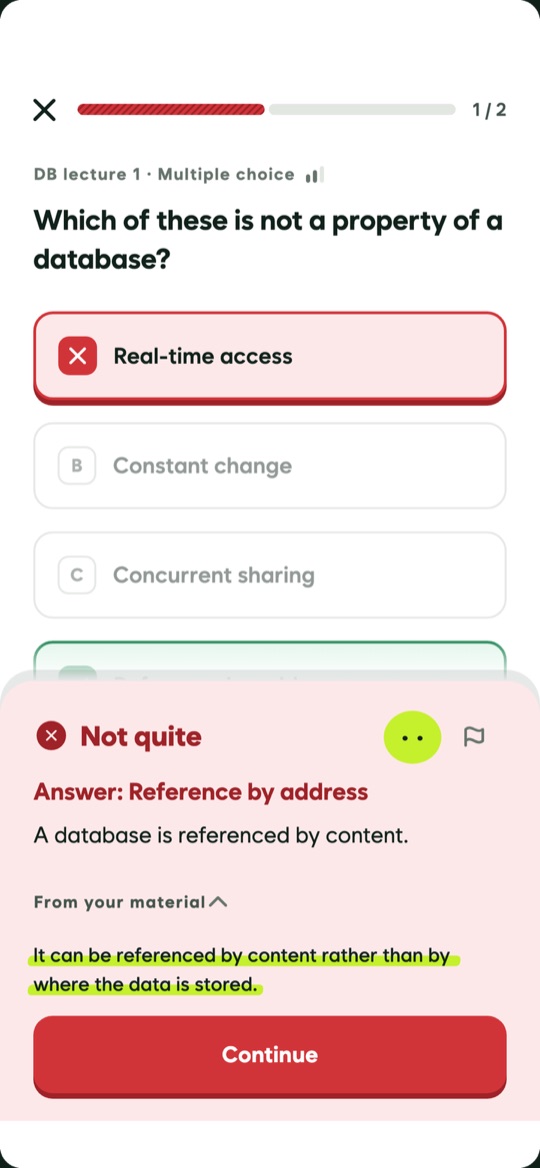
See the sentence it came from
When you miss, the explanation shows which sentence of your material the question was built on, so you can check the AI's work.
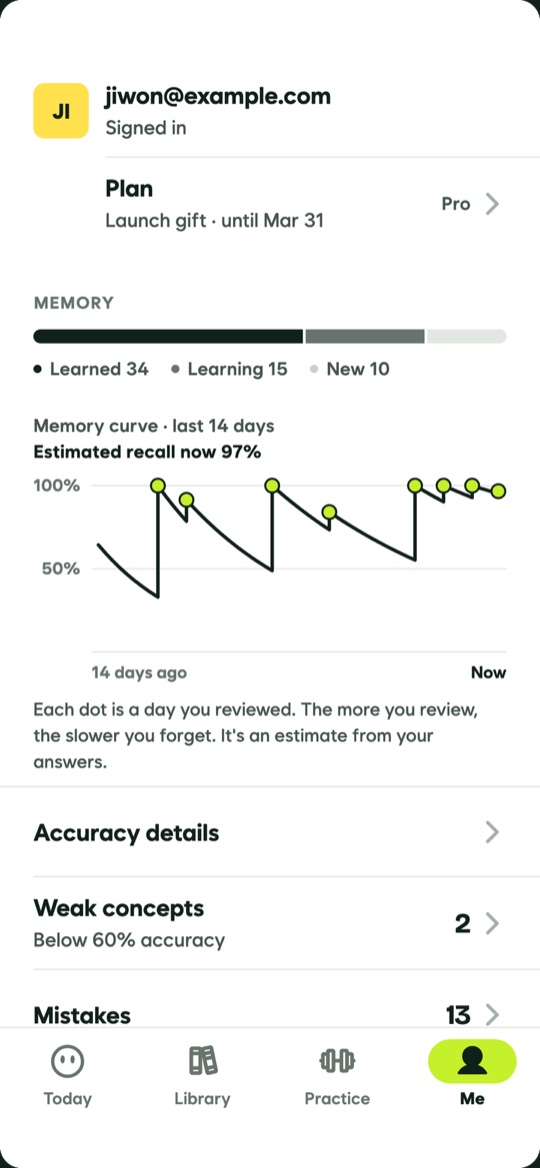
Your memory at a glance
A memory curve shows how much of each material you still hold and when the next review is due.
Seven ways to ask.
Speed O/X and Match pairs are light practice that isn't recorded.
Your material,
for your study only.
Original files stay on your phone
Only the text is extracted and saved. Your PDFs and slides are never uploaded.
Never used to train AI
The text sent to generate questions is used only under terms that forbid the AI provider from training on it.
Delete means deleted
Me → Settings → Delete account removes your materials, questions and history at once.